Neovim from scratch / part 4
Rebuilding my Neovim config from scratch (Part 4: Treesitter, and the dependency nobody mentions)
Adding real syntax highlighting to my from-scratch Neovim config with the rewritten nvim-treesitter, plus the tree-sitter CLI gotcha that the tutorials skip.
(Part 4 of rebuilding my Neovim config from zero on 0.12, no plugin manager, understanding every line. Part 1: options. Part 2: keymaps. Part 3: vim.pack + first plugin.)
My editor has colours now (Part 3), but they’re dumb colours. Old-school Vim highlighting is basically a giant pile of regexes guessing “this word is probably a keyword.” It’s wrong constantly: nested strings, embedded languages, anything fancy, and it falls over.
Treesitter fixes that by actually parsing your code into a syntax tree, the same way a compiler sees it. The highlighting knows the difference between a function name and a variable because it understands the structure, not just the spelling. Today I wire it up.
The plot twist: Neovim already has Treesitter
Here’s what surprised me. I assumed “install the Treesitter plugin to get Treesitter.” Nope. Neovim 0.12 has the Treesitter engine built in: vim.treesitter is right there in core. The actual highlighting call is native:
vim.treesitter.start()So what’s the nvim-treesitter plugin even for? On its rewritten main branch, almost nothing glamorous: it installs language parsers and ships the highlight queries. That’s it. The engine is Neovim’s. The plugin is a grammar delivery service. Once that clicked, the whole thing got far less mysterious, which is exactly what I’m after with this rebuild.
(Worth knowing: nvim-treesitter did a full rewrite. The old master branch auto-configured everything for you. The new main branch makes you opt in. main is the future, master is slated for deprecation, so for a config built today I’m going with main.)
The config
Lives in lua/dilee/plugins/treesitter.lua. Two new vim.pack tricks show up here, so I’ll point them out:
-- (1) Build hook — registered BEFORE add() so it fires on first install too.
vim.api.nvim_create_autocmd("PackChanged", {
  callback = function(ev)
    if ev.data.spec.name == "nvim-treesitter" and ev.data.kind ~= "delete" then
      if not ev.data.active then vim.cmd.packadd("nvim-treesitter") end
      vim.cmd("TSUpdate")  -- rebuild parsers to match the plugin's queries
    end
  end,
})

-- (2) Declare the plugin, PINNED to the rewrite branch.
vim.pack.add({
  { src = "https://github.com/nvim-treesitter/nvim-treesitter", version = "main" },
})

-- (3) Install the parsers I use (idempotent, async — never blocks startup).
require("nvim-treesitter").install({ "c", "lua", "go" })

-- (4) Turn features ON, per filetype. main enables nothing automatically.
vim.api.nvim_create_autocmd("FileType", {
  pattern = { "c", "lua", "go" },
  callback = function()
    pcall(vim.treesitter.start)  -- highlighting (native engine)
    vim.bo.indentexpr = "v:lua.require'nvim-treesitter'.indentexpr()"  -- indent (plugin)
  end,
})
The two new ideas:
version = "main".vim.packlets you pin a branch, tag, or commit. The repo’s default branch is still the old API, so I have to explicitly ask for the rewrite. (Without it, I’d silently get the wrong thing.)PackChanged. This isvim.pack’s build-hook event. It fires after a plugin is installed or updated. nvim-treesitter’s own docs say to run:TSUpdateas a build step (compiled parsers must match the queries the plugin ships), so this is me doing exactly that, automatically, forever.
And now, the bug the tutorials skip
I wrote the file, launched Neovim, watched it try to compile the Go parser, and:
Error during "tree-sitter build": ... no such file or directory (cmd): 'tree-sitter'Turns out the main branch compiles parsers using the tree-sitter CLI, an actual separate executable. (The old master branch compiled bundled C with your normal cc, which is why no tutorial I’d ever read mentioned needing a CLI. I’d been on master for years without knowing.)
“Fine,” I thought, “I’m on a Mac, brew install tree-sitter.” It installed… and there was still no tree-sitter command. Because, second gotcha, the Homebrew tree-sitter formula is library-only: it ships libtree-sitter.dylib and headers, no CLI binary. 526KB of “definitely not the thing I needed.”
The fix I landed on, which I like better than either: grab the prebuilt CLI binary and drop it in ~/.local/bin:
curl -fL https://github.com/tree-sitter/tree-sitter/releases/latest/download/tree-sitter-macos-arm64.gz \
  -o /tmp/ts.gz
gunzip -f /tmp/ts.gz
chmod +x /tmp/ts
mv -f /tmp/ts ~/.local/bin/tree-sitter
Why this over npm i -g tree-sitter-cli? Because the npm global binary lives inside whatever Node version nvm currently points at: bump Node and it vanishes. A standalone binary in ~/.local/bin doesn’t care about my Node setup at all, which fits the “this should just work on any machine” goal of keeping everything in dotfiles. It’s one Rust binary, zero runtime deps.
Re-ran the compile. Three parsers built in about four seconds:
[nvim-treesitter/install/go]: Language installed
[nvim-treesitter/install/c]:  Language installed
[nvim-treesitter/install/lua]: Language installed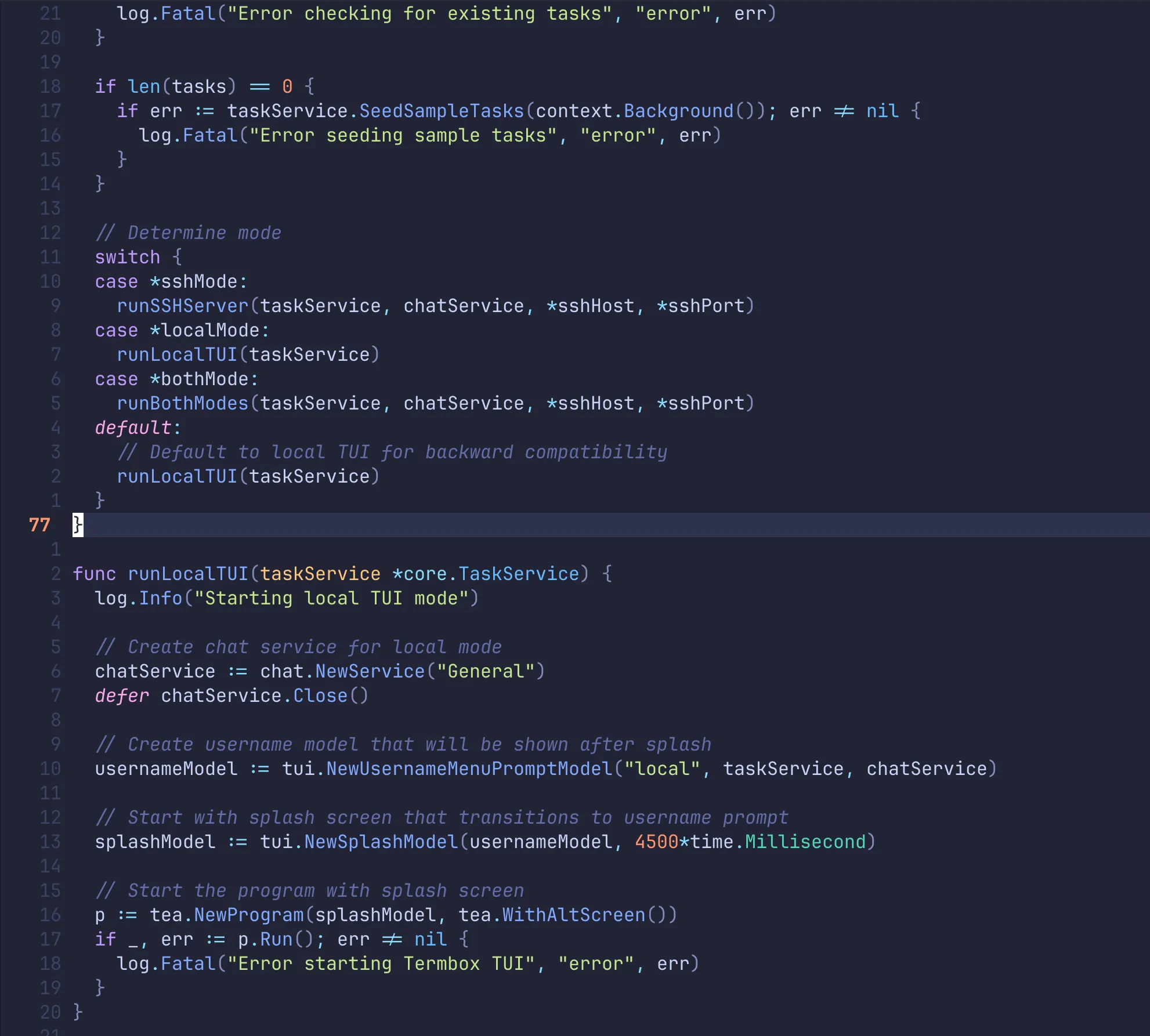
The lesson under the lesson
Every “modern” choice has a bill attached, and this one’s bill was a CLI dependency the docs bury. That’s the real trade-off of going with the new thing on bleeding-edge Neovim. I’d rather hit it now, understand it, and write it down than have it ambush me on a fresh laptop in six months. Lockfile’s updated, parsers compile on install, and my code finally looks like code.
Next up, the big one: LSP. Autocomplete, go-to-definition, real-time errors, the works. Neovim 0.11+ has a native LSP config API (no more giant lspconfig incantations), and I’m wiring up gopls, clangd, and lua_ls by hand so I understand every piece. That’s the part where this stops feeling like a text editor and starts feeling like an IDE.
Cheers!
Comments
Comments require a GitHub account. No GitHub? Reply on Substack or email me.